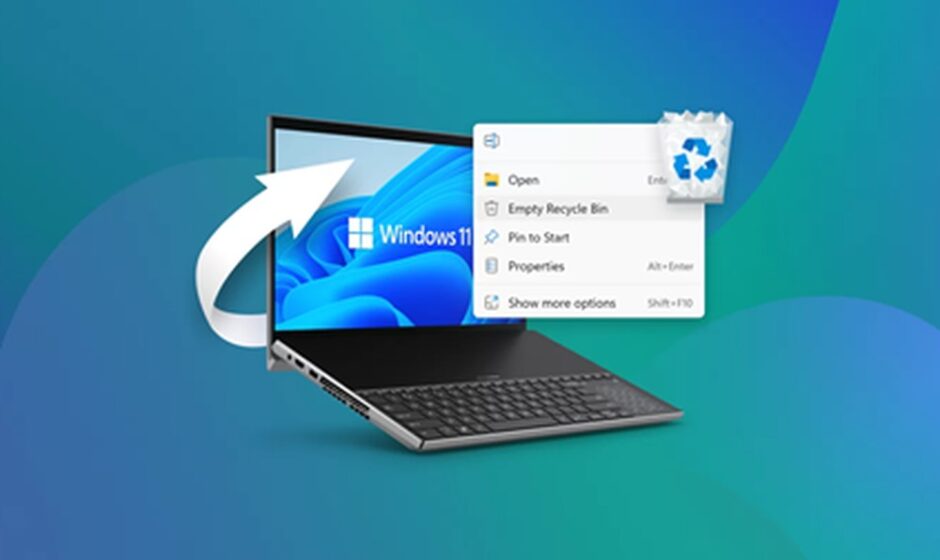

Have you mistakenly deleted an important file from your Windows PC? Whether it’s a family photo or a work document, losing files is a stressful experience. However, there are simple and fast ways to recover deleted files Windows.
Explore the Recycle Bin
If you do not find your file in the default location, access the Recycle Bin. When you remove a file, a Windows PC moves it to the Recycle Bin. Tips for restoring files of your Windows PC-
- Open the Recycle Bin and find the deleted file.
- Right-click on it and press the Restore option.
It will send your file to the original folder instantly. Thus, it is the easiest and quickest method for recovering your files.
Try undo shortcuts
If you have removed the file just a few seconds ago, there is a faster solution. Press the key combinations of Ctrl and Z to undo the last action. This process is effective when you delete the file.
Search your device thoroughly-
You might not have deleted the files you need. In some cases, you mistakenly move them to a different folder. So, open the Start Menu and type your file name accurately into the search bar. You will surely find the file in the search results.
Restore your files from OneDrive-
If your computer uses OneDrive, it allows automatic online backup. Access your OneDrive account and detect your file. It takes a few clicks to restore your files from the cloud platform.
Run recovery software
PandaOffice Drecov data recovery software is a user-friendly solution for those who want to restore their files. This application is compatible with Windows computers and enables you to recover files of different formats. You may use the premium version to restore the large files or videos.
Conclusion
Recovering files from your Windows PC is a simple process that involves a few steps. You may use Windows PC’s built-in tools. If this approach does not provide the desired outcome, choose the advanced tool. Affordable software simplifies the way to retrieve files and folders.